Restoring Deleted Bank Statement Transactions
Last modified:
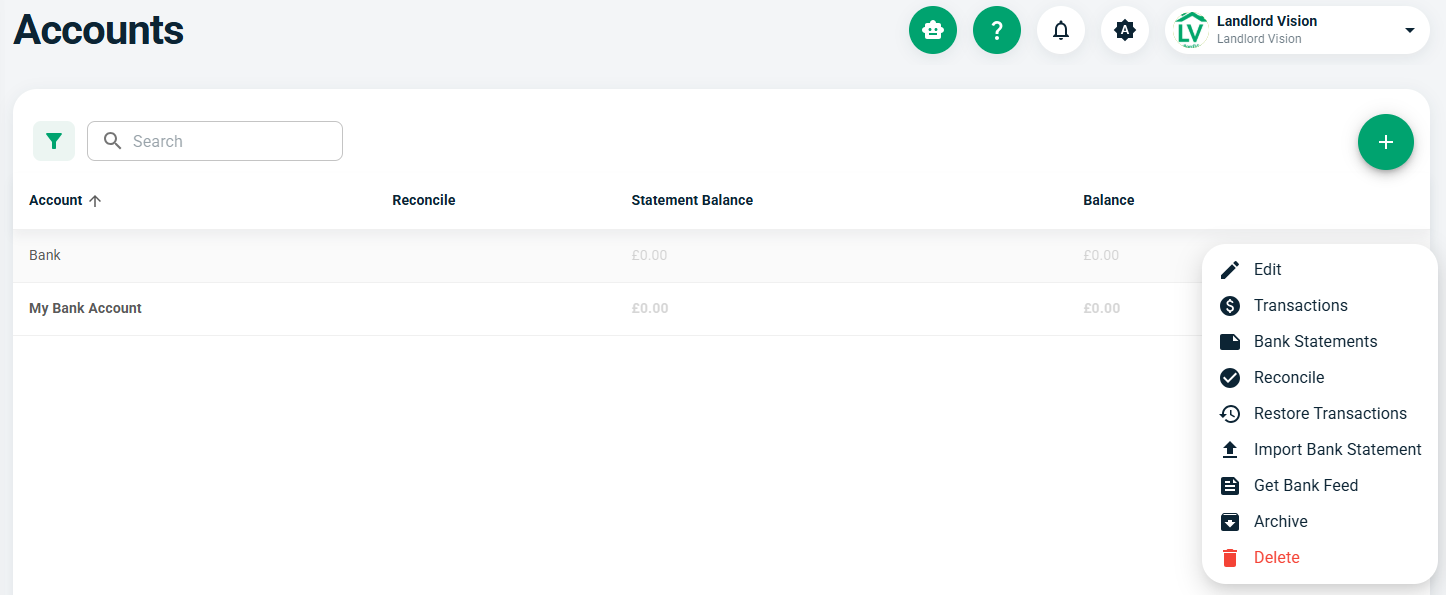
In most situations, you shouldn't need to delete transactions off the bank feed, but if you have and you didn't mean to, you can now restore it again. On the Banking > Accounts page, press the three dots next to the account and select Restore Transactions.
Next, find the transactions you want to restore and restore them from the three dots menu. They will be available for reconciliation again.
